Publish · Covers
Print cover templates sized to your book
Trim, pages, paper → spine → wrap. Publish builds the cover geometry from the manuscript you’re printing — then you export Print PDF and store files.
7-day trial (card required), cancel anytime
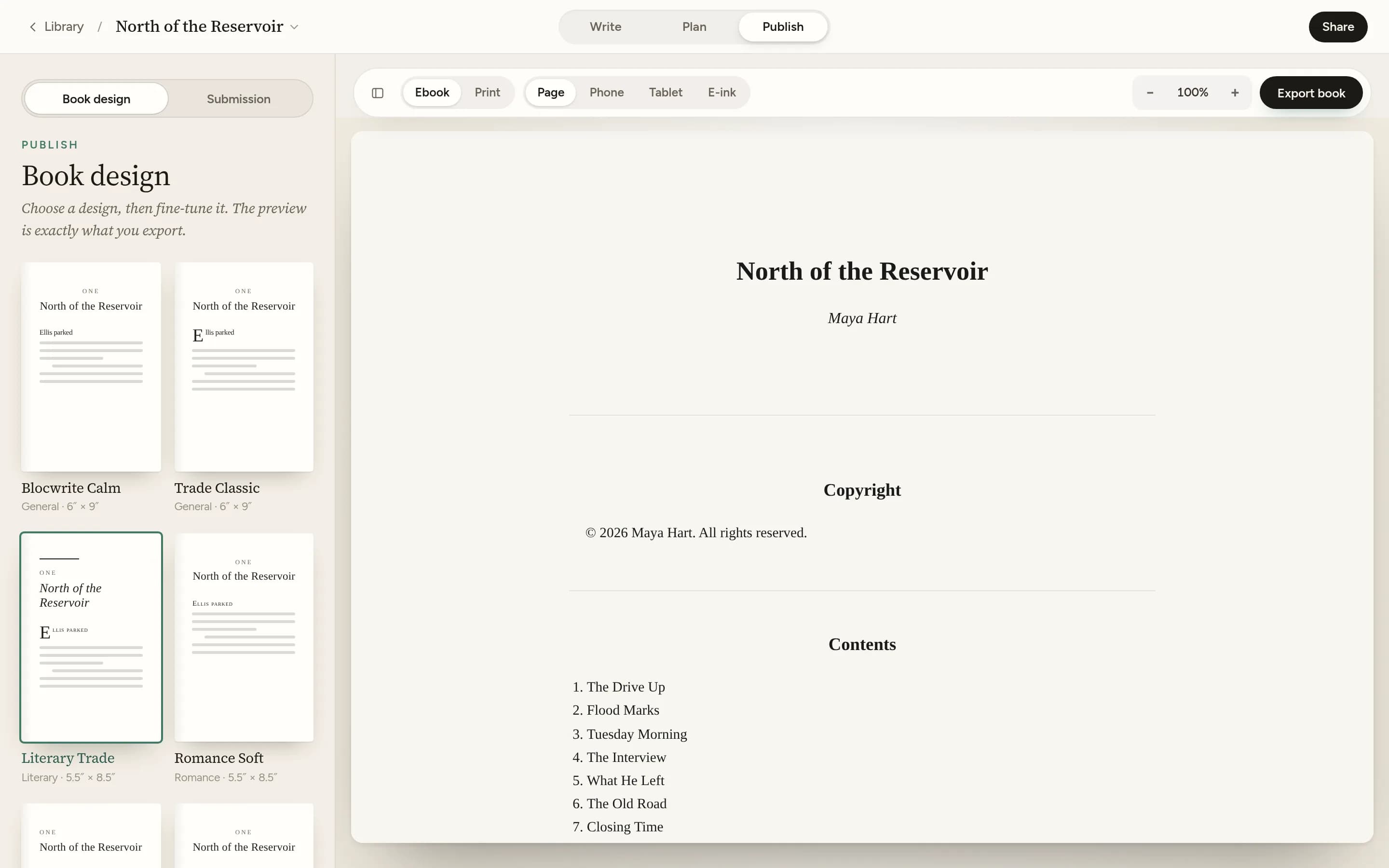
Covers that match the pages
Most “templates” are pretty fronts with a guessed spine. Blocwrite’s print cover engine measures the book: interior page estimate, white or cream stock, bleed and safe margins — then lays out wrap, front, or back with styles such as Literary, Modern, Noir, Soft frame, Minimal.
- Spine width from your page count and paper stock
- Wrap PDF for print; store JPEG sizes when you need them
- Humanizer on export — invisible paste marks don’t hitch a ride
Write first, publish when you’re ready
Keep chapters and Publish in one Studio — start a trial. After signup, a short welcome sets up your first book.
Related
Frequently asked questions
Are these static Canva-style templates?
No. Blocwrite generates cover geometry from your trim size, estimated page count, and paper stock — including spine width — then applies a style. Each book gets a fit, not a one-size mockup.
When do cover templates appear?
In Publish, when Print PDF is selected for export. You can preview, toggle guides, and download a cover PDF sized for the wrap.
Does Format also clean the manuscript?
Yes. Humanizer strips invisible Unicode on Format export so store files stay clean — automated in Studio, no wording changes.
Chapter one is waiting.
Open Studio, begin Chapter 17-day trial (card required), then Blocwrite £9.99/month or £89/year. Cancel anytime.