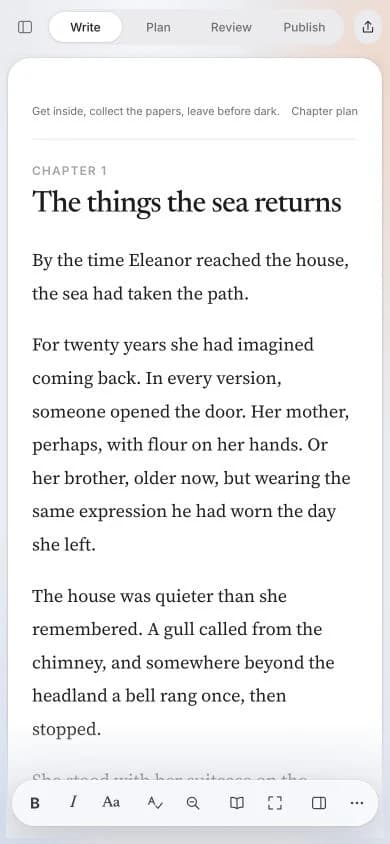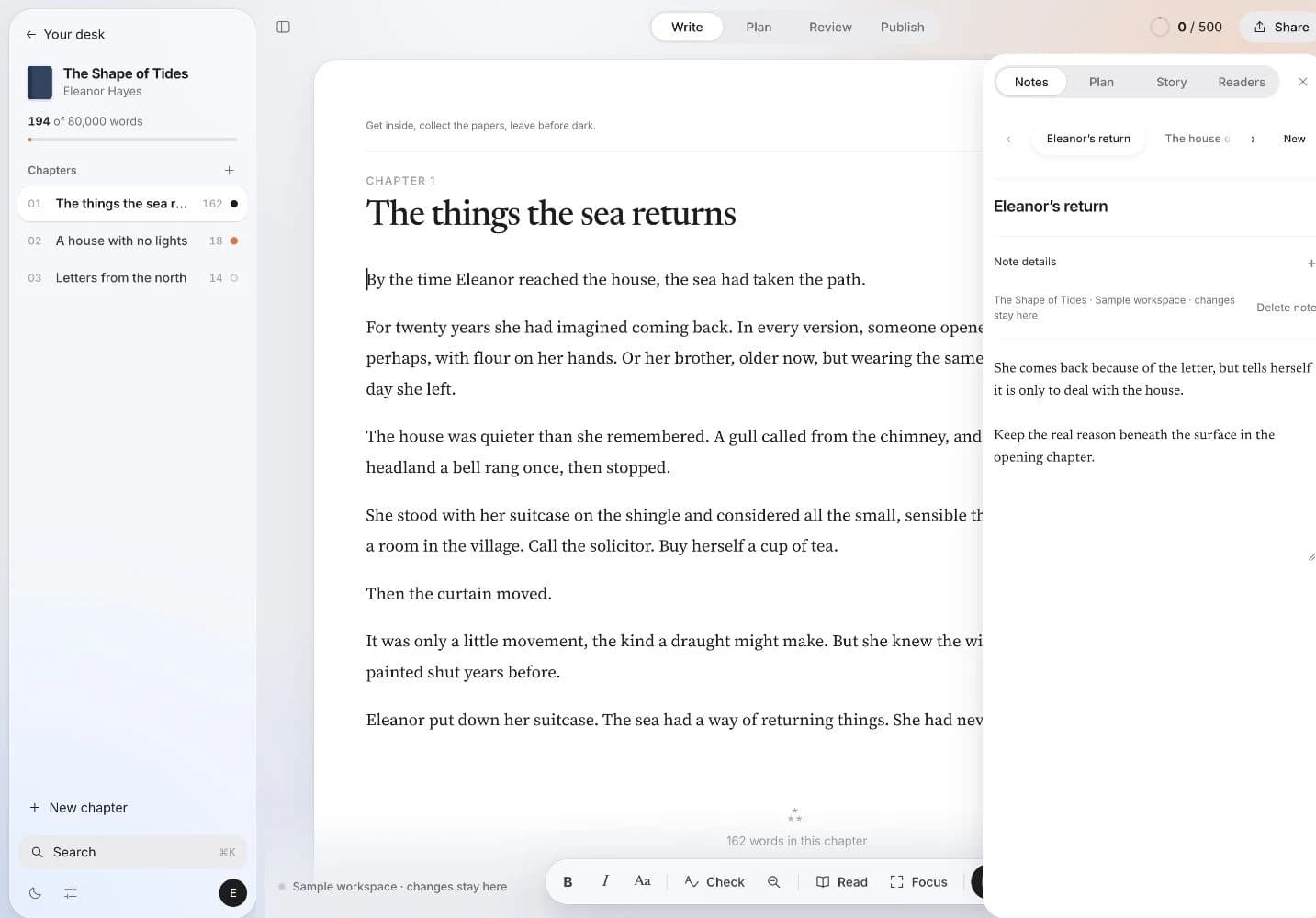
Manuscript studio first—AI when you choose, not when credits run out

Sudowrite puts AI generation at the centre. Blocwrite is for authors who draft the book themselves and want chapters, codex, reader feedback, and export in one workspace—with Chapter Chat and Blocs only if you connect your own OpenRouter key.

Blocwrite fiction manuscript studio — Sudowrite alternative with optional AI

Why authors pick Blocwrite over Sudowrite

Sudowrite shines when you want Muse, expand, and brainstorm out of the box—fast AI-first drafting with bundled credits. That works until long novels burn through packs or you want tighter control over what lands in the manuscript.

Blocwrite treats AI as optional infrastructure: preview-first Blocs (type backslash in the draft), scene-aware Chapter Chat, and proofread—all via your own OpenRouter key. The studio itself—chapters, codex, checkpoints, beta reader links, import/export—works fully with AI off.

Blocwrite vs Novlr, Sudowrite, and Novelcrafter — 2026 snapshot for fiction authors.
BlocwriteNovlrSudowriteNovelcrafter
Core focusManuscript studio — chapters, codex, reader links, export in one flowDistraction-free drafting and writing habitsAI-first fiction generation and story bibleDeep codex and configurable BYOK AI
AIOptional — OpenRouter, your models, your spendLimited AI on higher tiersBundled Muse and credit packsBYOK — bring your own models
Entry price14-day free trial, then £12.99/month (flat plan)Tiered plans; key features often on higher tiersSubscription plus generation-credit economicsSubscription plus model usage costs
Cost controlAI off by default and fully usable without generation spendGood drafting value; less AI flexibilityGreat generation, but credit burn can climb on long draftsHigh control, but setup and spend tracking are on you
Codex / story bibleCharacters, places, lore beside the active chapterNotes and world-building sidebarStory Bible inside AI workflowsAdvanced codex with deep linking
Comments + checkpointsPrivate comments and named draft checkpoints in the writing roomDrafting focused; less in-flow checkpointingGeneration tools first; less manuscript version scaffoldingStrong codex context; workflow depends on your setup
Beta readersShare links — annotate without a Blocwrite accountSnippet sharing (plan-dependent)Not a primary workflowLimited sharing options
Scene assistsBlocs — type \, preview before acceptGenerate and expand proseAI pipelines tied to codex
ExportEPUB and Word from the novel menuePub on ProExport via external toolsExport and publishing helpers
Onboarding speedOpen desk, create novel, write immediately (tour + guide included)Quick to start draftingFast AI-first startMore initial setup before flow
Best forAuthors who want one room from draft through reader feedbackClean UX and writing streaksAI-heavy drafting and expansionSeries writers who enjoy deep setup

Pricing and feature notes are directional snapshots for writer decision-making, not official vendor quotes. See full feature walkthrough.

Choose Blocwrite if you want

  • Your prose in control—AI suggests, you accept or discard
  • No bundled generation credits or surprise usage bills
  • Beta reader share links and export as core workflow, not add-ons
  • Codex beside the draft for voice and continuity
  • One subscription for the full studio

Stay on Sudowrite if

  • Maximum out-of-the-box AI generation is your primary workflow
  • You are happy with credit-based economics for Muse and expand
  • Manuscript structure and reader feedback are secondary

Try Blocwrite free for 14 days — then £12.99/month. Start trial · AI novel writing · Novlr alternative